Digital goods for whatever you're into, & whatever you sell.

Small Business
CookieCAD Alternative in 2026: Free Cutters and Stamps From Your Images

Updated November 13, 2026 · 6 minute read
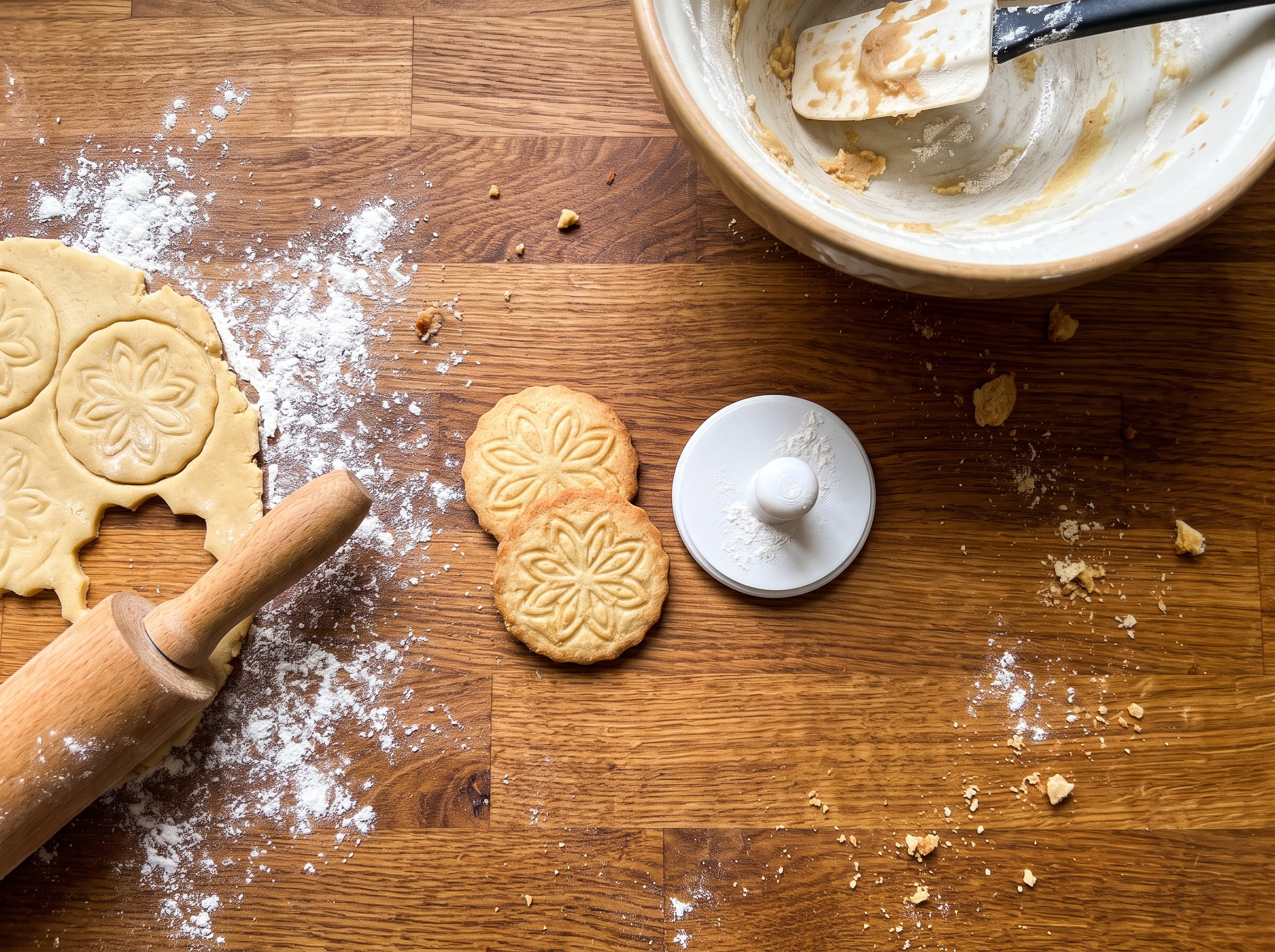
CookieCAD is a popular tool for turning images into 3D printable cookie cutters. It makes creating custom shapes much easier, even if you’ve never used 3D design software. But while CookieCAD offers free cookie cutters and imprint cutters, some of its other features require a Premium subscription.
If you’re looking for the best free CookieCAD alternative, Curatery’s Cookie Cutter Maker is worth exploring. You can turn your own images into cookie cutters, create separate cookie stamps, and make matching cutter-and-stamp sets without paying for those features.
Here’s what each tool offers and how to get started.
CookieCAD vs. Curatery: What’s Free?
Both CookieCAD and Curatery let you upload artwork and turn it into a downloadable STL file for 3D printing. The biggest difference is what you can create and customize without upgrading.
| Feature | CookieCAD | Curatery |
|---|---|---|
| Standard cookie cutter | Free | Free |
| Imprint cutter | Free | Free |
| Standalone cookie stamp | Premium | Free |
| Matching cutter and stamp | Premium | Free |
| Invert stamp design | Premium | Free |
| Remove outer edge | Premium | Free |
| Adjust imprint thickness | Premium | Free |
| Enforce wall thickness | Premium | Free |
| Custom stands and nameplates | Premium | Free |
Comparison based on features available in November 2026. Features and pricing may change.
CookieCAD’s free version is a good option for making basic cutters. Curatery offers more free choices when you want to add details to your cookies or experiment with different designs.
Make Cookie Cutters From Your Own Images
You don’t need to draw a cookie cutter in 3D software to make one. With Curatery, you can start with an ordinary JPG or PNG image.
For example, you might use a simple flower illustration, a cat silhouette, a leaf, or a drawing you’ve made yourself. The tool uses the image to create a cutter shape that you can download as an STL file.
Images with clear outlines and simple shapes generally produce the best results. If your artwork has lots of tiny details, you may need to simplify it first.
Curatery offers four free design options:
- Cookie Cutter: Creates the outer shape for cutting dough.
- Imprint Cutter: Combines the cutting shape with details that press into the dough.
- Cookie Stamp: Creates a separate stamp for pressing a design into dough.
- Cutter + Stamp: Creates a matching cutter and separate stamp from the same image.
All four options are available with a free Curatery account.
Create Matching Cookie Cutters and Stamps for Free
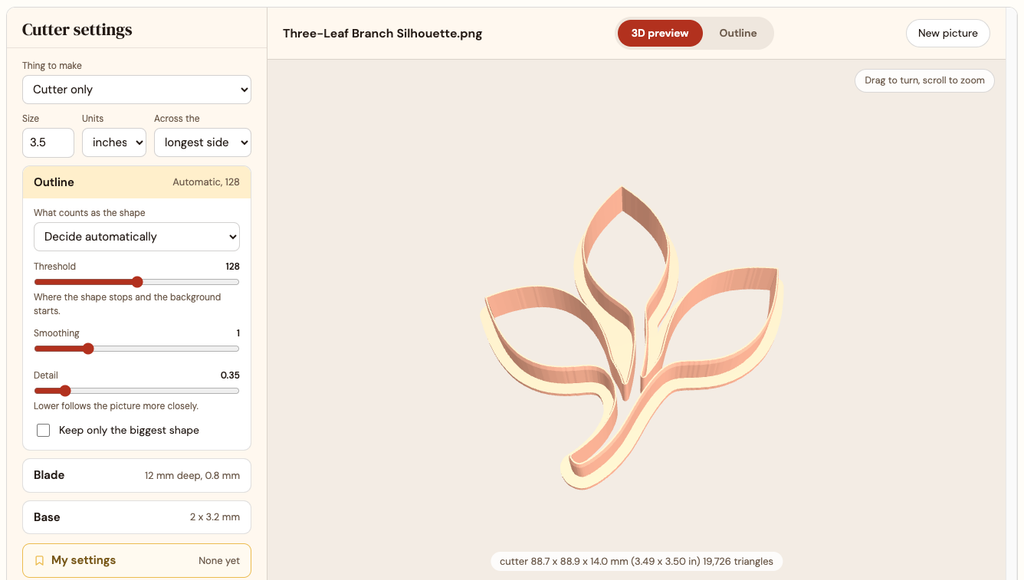
One of the most useful differences between the two tools is the ability to create a matching cutter and stamp without upgrading.
A cutter shapes the outside of the cookie. A stamp adds the details inside that shape.
Imagine making a flower cookie. The cutter creates the flower outline, while the matching stamp presses the petal details into the dough. You get a more detailed cookie without having to decorate every petal by hand.
The same idea works for animals, leaves, simple lettering, and many other designs.
CookieCAD includes matching cutter-and-stamp sets as a Premium feature. Curatery lets you create and download both pieces for free.
You can also make a standalone stamp if you already own a cutter and just want to add a new design.
More Free Ways to Customize Your Designs
Sometimes an image needs a few adjustments before it works the way you want. Curatery includes several settings that CookieCAD reserves for Premium users.
For example, you can invert a stamp design to change how the details are pressed into the dough. You can also remove the outer edge when you want to stamp only the interior details.
Other free controls let you adjust imprint thickness and enforce wall thickness. These settings help you prepare designs with different shapes and levels of detail.
You don’t need to understand complicated 3D modeling terminology to get started. You can begin with the basic settings and experiment with additional options as you become more comfortable.
Is CookieCAD Still a Good Choice?
Yes. CookieCAD can still be a good choice, particularly if you only need a basic cookie cutter or imprint cutter. Both are available in its free version.
CookieCAD also offers specialized design types beyond ordinary cookie cutters, including options for other baking and decorating projects. Some require Premium.
Curatery is especially useful when your project involves cookie stamps, matching cutter-and-stamp sets, or customization options that would otherwise require an upgrade.
The better choice depends on what you’re making. If you only need a simple cutter, either tool may work. If you want more free options for adding details to your cookies, Curatery is worth trying.
How to Make Your First Cookie Cutter With Curatery
Getting started is simple.
- Choose an image. Start with a JPG or PNG that has a clear outline.
- Open Curatery’s Cookie Cutter Maker. Sign in with a free account and upload your image.
- Choose your design. Select a cutter, imprint cutter, stamp, or matching cutter-and-stamp set.
- Adjust the size and details. Use the available settings to prepare your design.
- Download your STL files. Open them in your 3D printing software or send them to a printing service.
An STL file is the 3D model used to prepare an object for printing. You don’t need to know how to create one manually because the tool generates it from your image.
If you’re new to the process, our How to Make a 3D Printed Cookie Cutter article explains what happens after you’ve downloaded your file.
Frequently Asked Questions
Is There a Completely Free CookieCAD Alternative?
Curatery offers a free Cookie Cutter Maker that includes standard cutters, imprint cutters, standalone stamps, and matching cutter-and-stamp sets. A free account is required, and some additional features are reserved for Club members.
Can I Turn a Picture Into a Cookie Cutter STL?
Yes. Curatery accepts JPG and PNG images and converts suitable artwork into downloadable STL files. Simple illustrations with clear outlines usually work best.
Can I Make Cookie Stamps Without Paying?
Yes. Curatery includes standalone cookie stamps and matching cutter-and-stamp sets for free. These design types require Premium on CookieCAD.
Do I Need a 3D Printer to Use Curatery?
No. You can create and download the STL files without owning a printer. You’ll need access to a 3D printer or printing service to turn the files into physical cutters and stamps.
Are 3D Printed Cookie Cutters Food-Safe?
That depends on the printing material, equipment, and how the finished cutter is used and cleaned. Downloading an STL file doesn’t automatically make the printed object food-safe. Check the suitability of your materials and printing process before using printed items with food.
Try Curatery’s Free Cookie Cutter Maker
If you’ve been looking for a CookieCAD alternative because you want to create cookie stamps or matching sets without upgrading, Curatery offers a straightforward way to do it.
Upload your own image, choose the type of cutter or stamp you want, and download the STL files with a free account. You can start with a simple design and explore the additional settings whenever you need them.
Try Curatery’s Cookie Cutter Maker to create your next custom cutter or stamp.
More inside Small Business
Keep exploring.
Find more roundups and tutorials gathered in this Nook.


Join in
Discussion